Email at your domain
Using our email is optional; your website works without it. If you use it, add your mailbox to your phone and computer with IMAP.
Create a mailbox
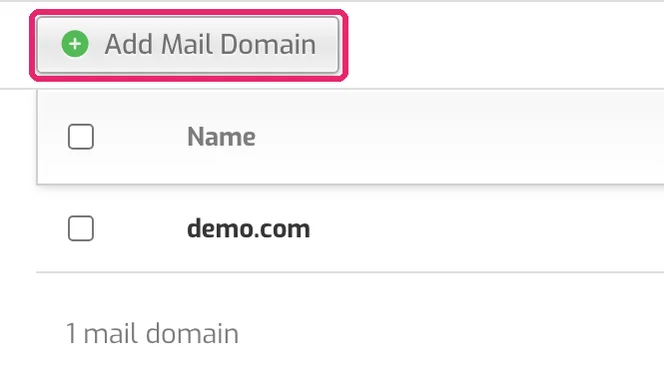
- Open the Mail tab. If your domain isn't listed, click Add Mail Domain, enter your domain and click Save.
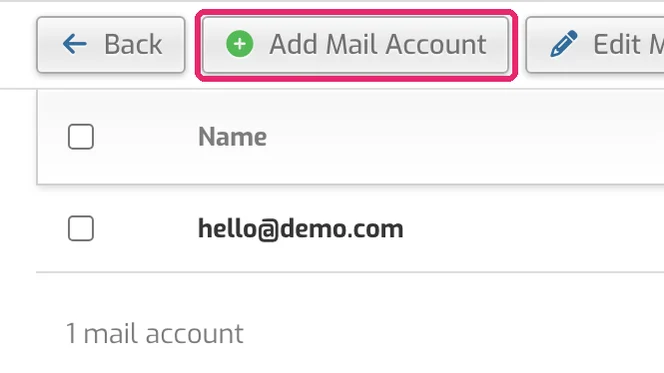
- Click your domain, then Add Mail Account.
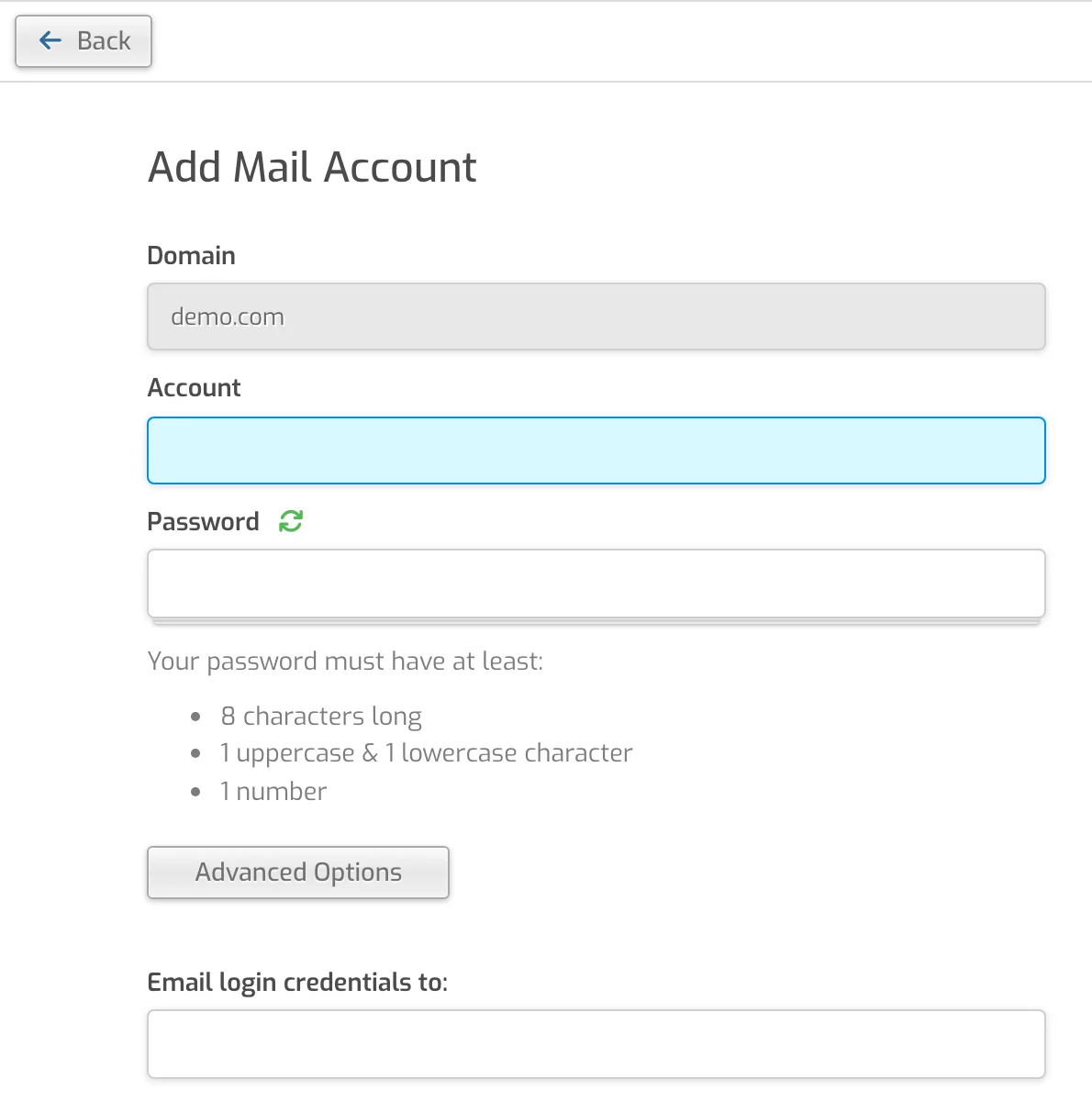
- Enter the first part of the address (for example
helloforhello@demo.com) and a strong password, then click Save.
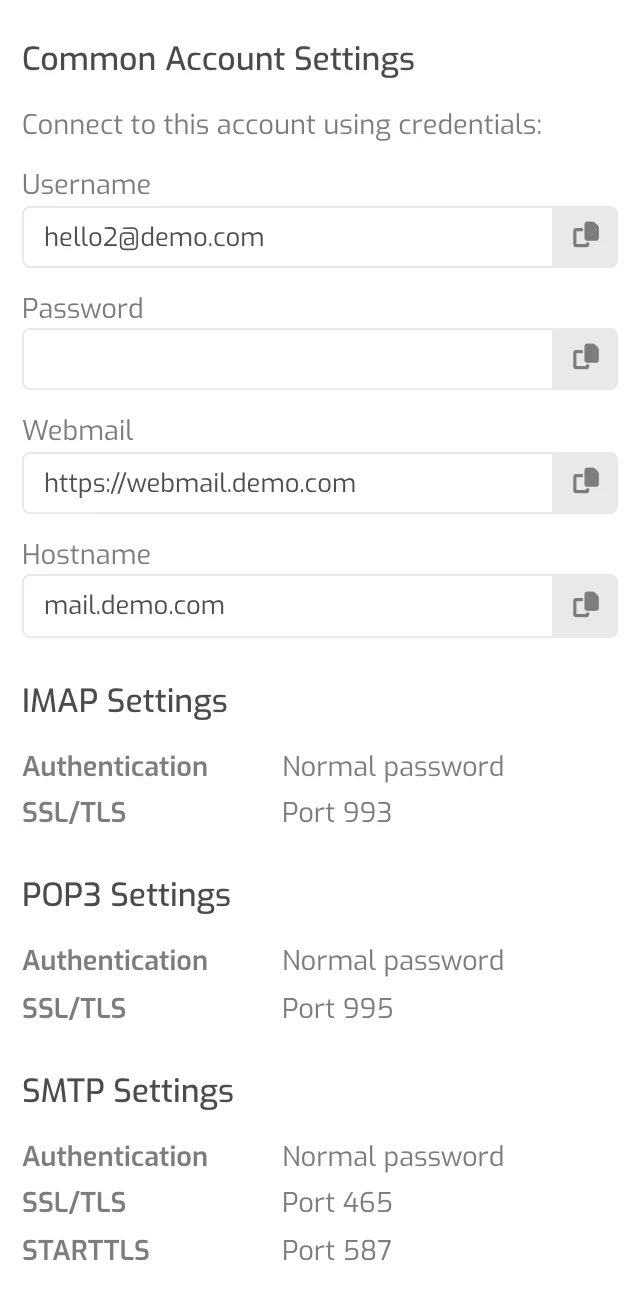
After you save, the panel shows a Common Account Settings box with the same settings as below: webmail and mail server names for your domain, IMAP 993, POP3 995 and SMTP 465/587, all encrypted.
Your plan includes up to 10 mailboxes.
Set up email on your phone and computer (IMAP)
In your email app, add an account, choose IMAP (sometimes "manual setup" or "other") and enter:
| Setting | Value |
|---|---|
| Account type | IMAP |
| Incoming (IMAP) server | mail.yourdomain.com |
| Incoming port & security | 993 with SSL/TLS |
| Outgoing (SMTP) server | mail.yourdomain.com |
| Outgoing port & security | 587 with STARTTLS or 465 with SSL/TLS |
| POP3 instead of IMAP | mail.yourdomain.com, port 995 with SSL/TLS |
| Username (incoming and outgoing) | Your full email address, e.g. hello@yourbusiness.com |
| Password | The mailbox password you chose when creating the mailbox |
| Outgoing server requires sign-in | Yes, use the same username and password |
Replace yourdomain.com with your own domain. mail.bunnyly.com also works for all of these as an alternative.
Webmail in your browser
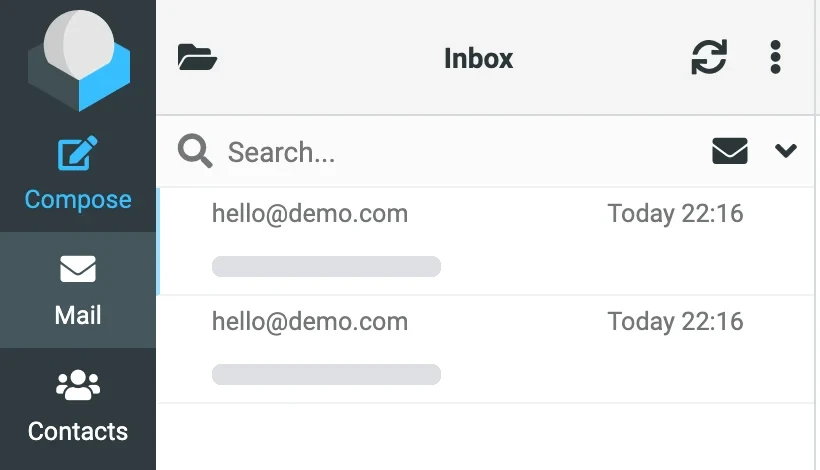
- In your browser, go to webmail. followed by your domain, for example
webmail.yourdomain.com(it always opens securely over https). You can also use Bunnyly Webmail. - Enter your full email address and mailbox password, then log in.

Sending email (on request)
Receiving works as soon as your domain points to us. Sending is switched on per address, on request: email support@bunnyly.com with the exact addresses you want to send from. No passwords needed.
Forwarding isn't supported
Forwarding to outside addresses (like Gmail or Outlook.com) isn't supported. Add your mailbox to the app you already use with IMAP instead; most apps show several accounts side by side.
If something doesn't work
The password is rejected
Use your full email address as the username. Try it in webmail; if that fails too, set a new password in the panel: Mail → your domain → edit the account.
I can receive but not send
Check that sending is switched on for that address, and that the outgoing server is mail.yourdomain.com, port 587 (STARTTLS) or 465 (SSL/TLS), with sign-in on. Sending only works for addresses that support has switched on.
No email arrives
Your domain's nameservers must point to us (check) and the domain needs Mail Support.