Backups
Your account is backed up automatically every night.
What's backed up
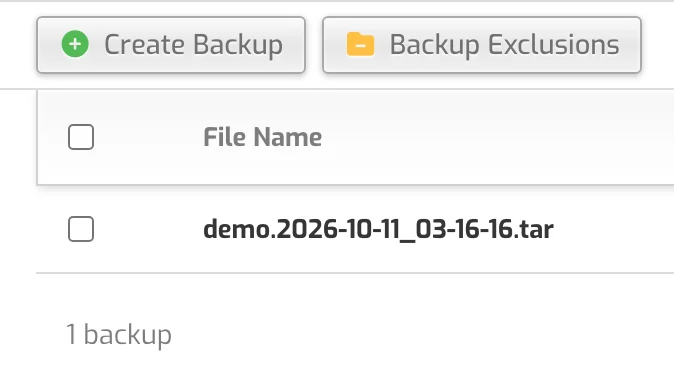
Every night (around midnight US Central time) your websites, email, databases and DNS are backed up. The last 3 backups are kept and listed in the Backup tab.
Restore or download a backup yourself
- Open the Backup tab. To keep a copy on your computer, use Download next to the backup.
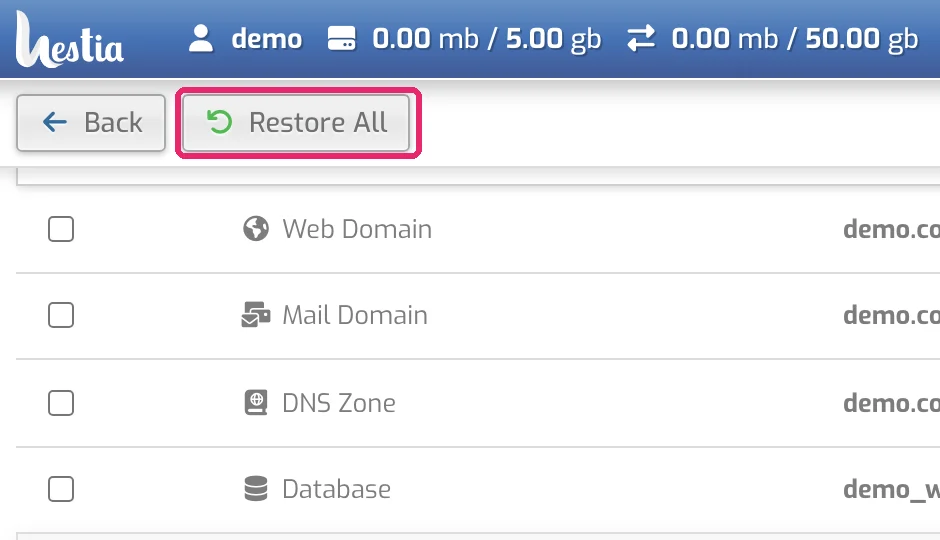
- To restore, click the backup's name. You see everything it contains: websites, mail domains, DNS zones, databases and files in your home folder.
- Click Restore All, or the restore icon next to a single item.
Restores run in the background and usually finish within about 5 minutes.
If a restore doesn't work, email support@bunnyly.com with what to restore and which backup date.
Keep your own copy too
- Website files: download them with the File Manager or SFTP.
- Databases: export them with phpMyAdmin.