Databases & phpMyAdmin
WordPress creates its own database. You only need this for other apps.
Create a database
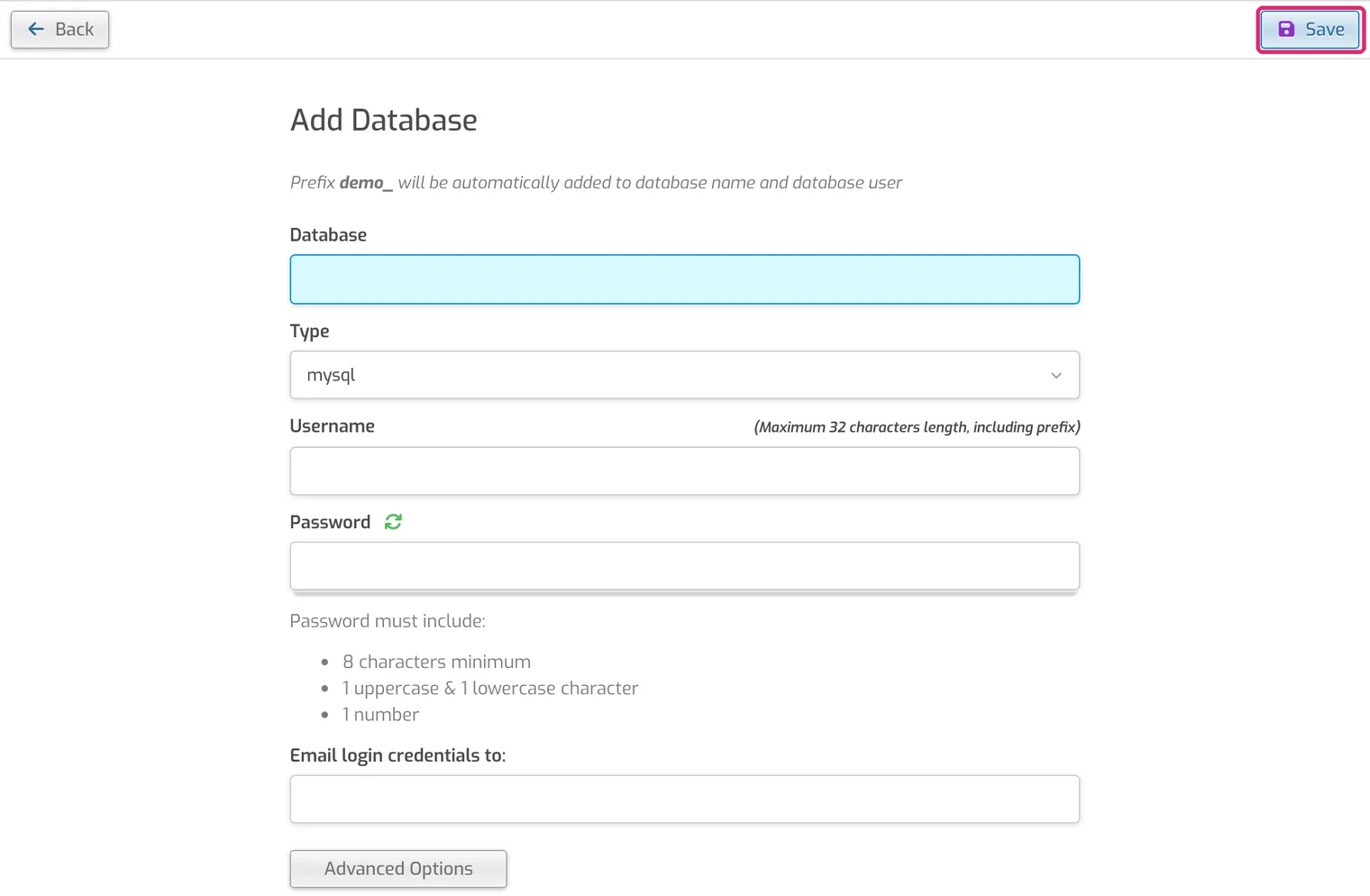
- Open the DB tab and click Add Database.
- Enter a database name and username (your username is added in front automatically) and a strong password.
- Click Save. Apps connect to host
localhost.
Your plan includes up to 5 databases.
phpMyAdmin
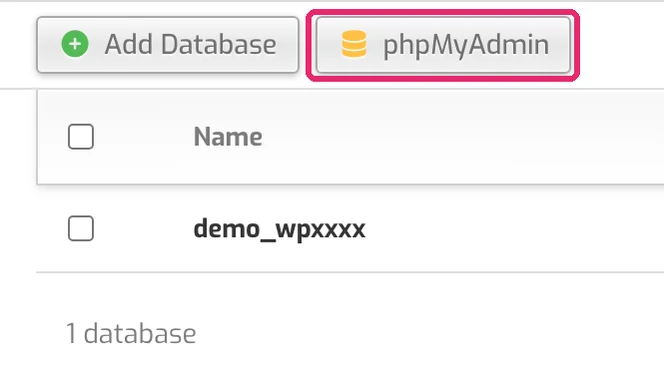
- In the DB tab, click phpMyAdmin.
- Log in with the database username and password.

Be careful Changes in phpMyAdmin take effect immediately. Export a copy first.